---
title: How to use it
hide_meta: true
---
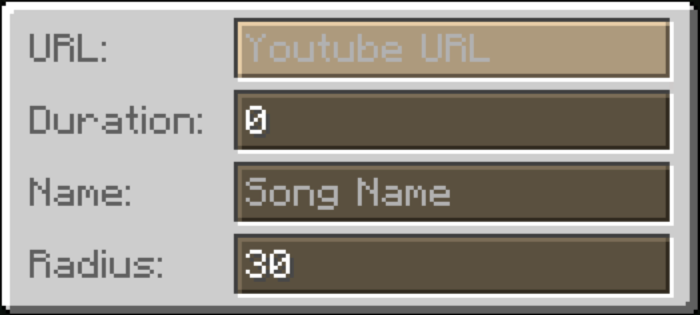
- Right click with a custom music disc to open the configuration screen.
- Paste a YouTube link to play the music.
- Set up the **Duration**, in seconds (optional) to make it redstone compatible.
- Set a **Name** for the music disc.
- You can also set a **Radius**, by default it is 30 blocks. (Maximum 999 blocks)
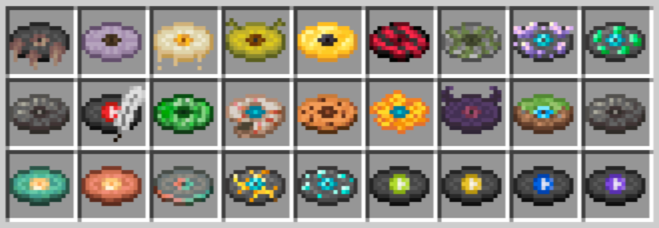
After a disc is saved it can get a random texture out of 40 different variants!
And more to be added in the future!
Saving the disc by pressing *esc* will maintain it editable, but if you save it with *enter* it will be locked and signed by you, and can't be edited anymore.
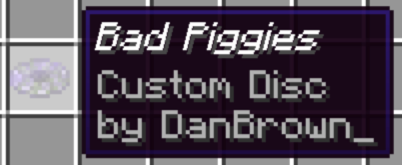
If you have a locked disc you want to recycle, you can always use it to craft a fresh new one!
**Secret Features**
Click to reveal
You can change the song **Pitch** by ading `&pitch=1.5` at the end of the URL. The pitch value can be any number between 0.5 (scary low) and 2.0 (chipmunk high). The default pitch is 1.0.
 It will only be changed back to the default pitch if you change the pitch to 1.0, as removing the pitch parameter will not change it back to the default pitch.