In this update, we've focused on 3 main areas:
-
Improving the author experience by expanding our Markdown format
-
Improving our the user experience by improving the website's responsiveness
-
Rolling out several bugfixes across the website
If this is your first time reading our blog, be sure to check out the front page of the wiki as well!
Table of contents
- Expanded Markdown syntax
- Improvements to the user experience
- Bugfixes
- Roadmap
- Let us know what you think!
Expanded Markdown syntax
So far, our format allowed for using standard Markdown with some of GitHub's extensions, but it provided none of the convenience required to write high-quality articles compared to mature tools, such as MediaWiki.
Starting with this update, we're focusing on creating our own set of Markdown syntax extensions to further simplify writing documentation pages using syntax sugar and shortcuts. Our goal is to improve the new author experience, to make it easier to get started and jump right into writing docs, and ultimately to make the wiki more accessible to everyone.
One of the Wiki's initial promises was to avoid locking down authors into a proprietary format, and we're sticking by this promise. All of our extensions are implemented as independent, portable plugins for the Remark and Rehype processors in the unified JS ecosystem. This allows you to easily reuse them in your own projects without relying on any wiki code.
The features we're introducing in this update are a combination of suggestions from authors as well as our own additions. All are backwards compatible with existing wiki's, so you don't need to worry about your project breaking unexpectedly.
Upgraded Callouts
Callouts got a new look, 2 new variants (tip, important) and now support GitHub's alert syntax.
Warning
Urgent info that needs immediate user attention to avoid problems.
[Show code]
> [!NOTE]> Useful information that users should know, even when skimming content.> [!TIP]> Helpful advice for doing things better or more easily.> [!IMPORTANT]> Key information users need to know to achieve their goal.> [!WARNING]> Urgent info that needs immediate user attention to avoid problems.> [!CAUTION]> Advises about risks or negative outcomes of certain actions.
On top of GitHub's syntax, the alert type can be suffixed with + to make the callout collapsible, or with - to also
make it collapsed by default.
Any text following the alert type becomes the callout's title.
Warning
A collapsible callout, expanded by default.
[Show code]
> [!TIP] Pro tip> A callout with a custom title.> [!WARNING]+> A collapsible callout, expanded by default.> [!CAUTION]- Expand me> A collapsible callout with a custom title, collapsed by default.
Thanks @JuiceyBeans for suggesting this!
Assets
Previously, using a custom component was required to display asset images in wikis.
Now, it's enough to simply use an asset location as the source in standard Markdown and HTML structures you're already familiar with.
<!-- Will display: /assets/examplemod/generator.png --><!-- Works with plain img tags as well! --><img src="@examplemod:generator" />
Hint hover text
You can add a hint/explanation to text that appears when the user hovers over it.
For example: A pickaxe is required to this block.
<!-- Standalone -->?[hover me](I will appear when hovered!)<!-- Usage in a sentence -->A pickaxe is required to ?[mine](break while also dropping an item) this block.
Thanks @ChrysanthCow for suggesting this!
Using Markdown in custom properties
Custom properties (both key and value columns) displayed in the Infobox now support wiki Markdown syntax, meaning you can decorate them with links or add hints with explanations!
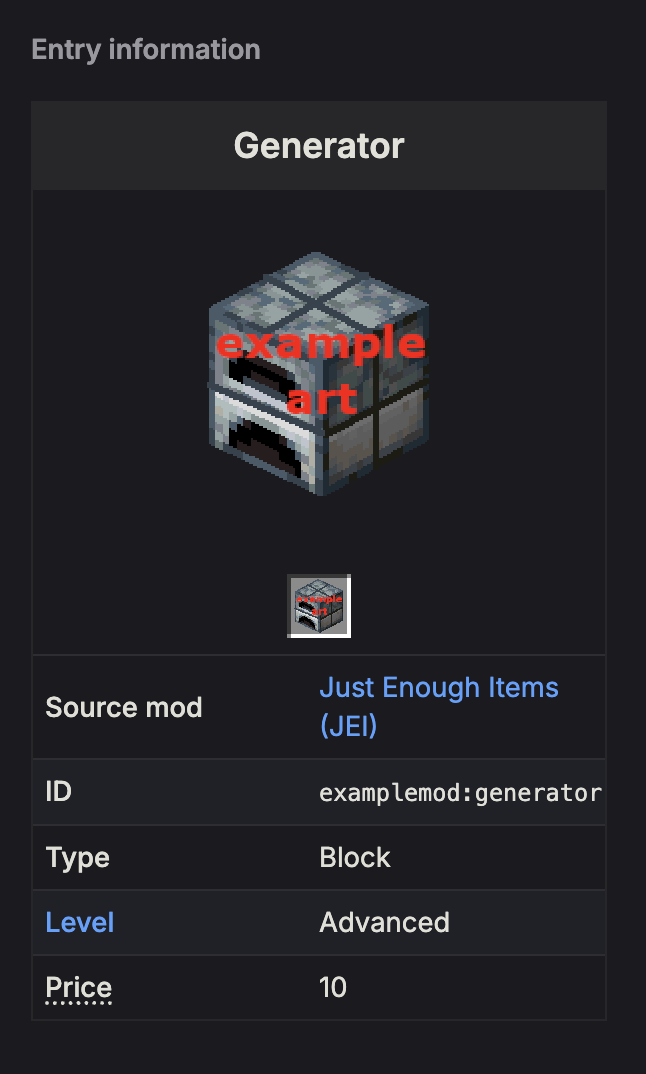
---# Content page frontmatter# ...custom:'[Level]($levels)': 'Advanced''?[Price](Price of this item in diamonds)': '10'---
Thanks @ChrysanthCow for suggesting this!
Heading attributes
Headings titles can now be followed by a set of attributes separated by space, wrapped in braces as follows:
## Crafting Usage {#my-id clear}
Each valid attribute is explained in detail below.
Identifiers
Every heading will have an ID generated automatically. These can then be used as part of links to navigate to specific sections. You can also set a custom heading ID manually.
<!-- Resulting href: #crafting-usage -->## Crafting Usage<!-- Resulting href: #next -->## Next steps {#next}
Clearing
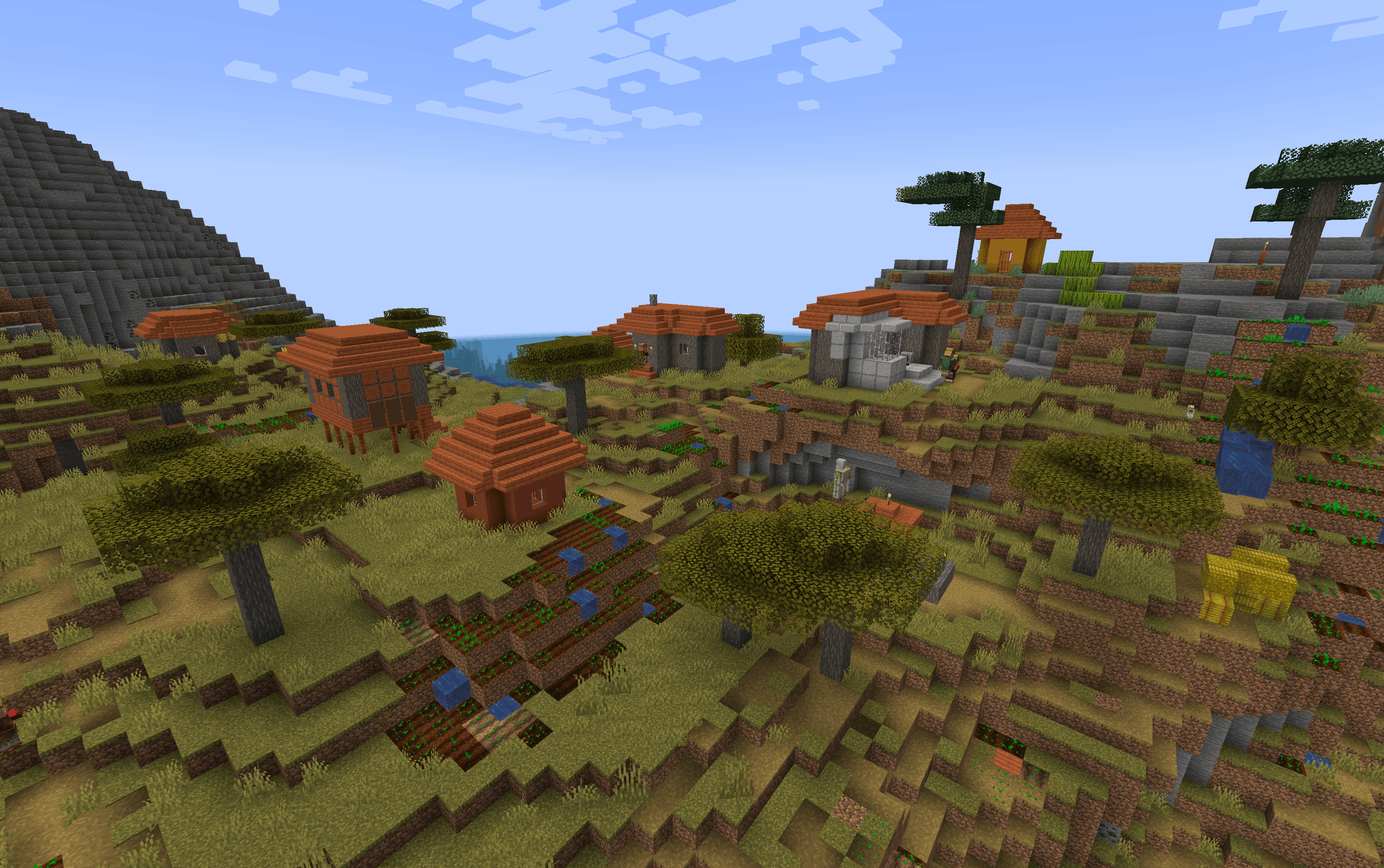
If your text contains floating elements, such as figures, you can apply the clear property on headings to move the heading below the figure rather than to its side.
Some text placed left to the figure.
Side heading
Text and heading placed left to the figure.
Clear heading
Text and heading placed below the figure.
<!-- Figure floats on the right -->{right}Some text placed left to the figure.### Side headingText and heading placed left to the figure.### New heading {clear}Text and heading placed below the figure.
Link to headings
Wiki page links can now be suffixed with a heading ID that navigate to specific sections of a page, just like standard links.
<!-- Link to next steps by doc page ref -->[]($tutorials/getting_started#next)<!-- Link to usage by item id -->[](@examplemod:electric_furnace#usage)<!-- Link to usage by content page ref -->[](+pickaxes#usage)
Figures
Standalone images (e.g. those not inlined with text) containing a description will be displayed as figures with the alt text used as the caption.
<!-- Standalone images will be displayed with visible alt text -->Images inlined in text  will NOT be affected.
Image style
Images can be followed by braced attributes separate by a space. Each attribute can be either a CSS style property key=value pair, or one of our custom properties:
-
center- centers the image horizontally -
right- makes the image float on the right. Note: in this case it should be placed above the relevant text, not below! -
item- Sets the image size to 32x32
<!-- Set width to 80px and float: right -->{width=80 right}<!-- Set red background -->{background-color=red}<!-- The "item" attribute sets the dimensions to 32x32 -->The {item} Diamond is the hardest mineral.
Example: The  Diamond is the hardest mineral.
Improvements to the user experience
Error pages on project wikis will now show the wiki navbar so that users can easily navigate away while saying in the same project.
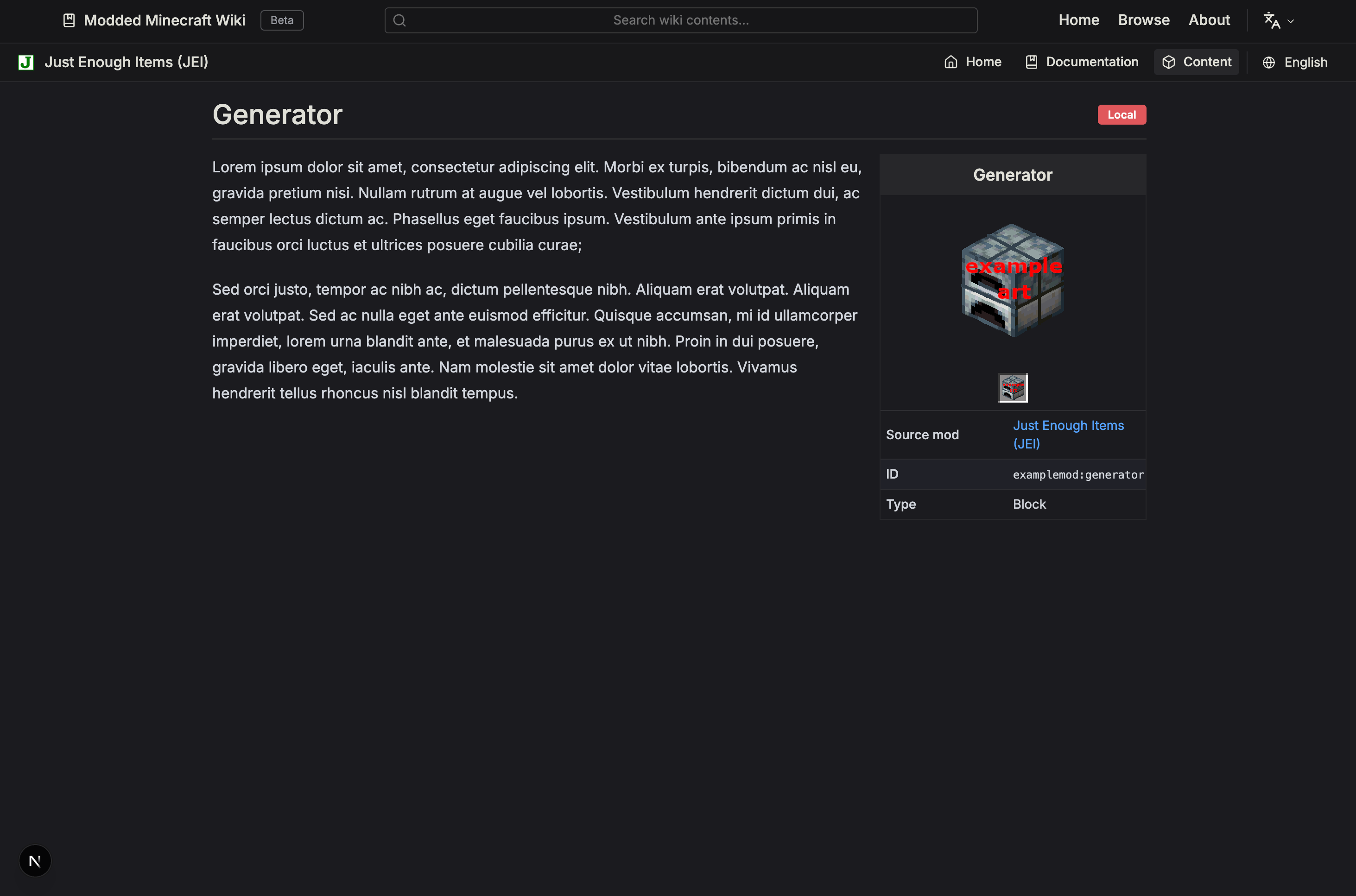
We've made content pages feel more responsive on smaller screens by moving the infobox sidebar into the main content, as seen on traditional wiki websites.
Bugfixes
-
Fixed an issue that caused the language switcher to prepend the language prefix twice, leading to 404 errors
-
Fixed an issue where infobox tabs with the same name were displayed at the same time
-
Fixed parsing short page changelog entries in the local previewer
-
Fixed displaying the index page in the local previewer
-
Fixed page links not resolving inside JSX/HTML tags
-
Fixed projects with missing platform projects causing internal server errors. A Not Found error will be now shown instead.
-
Fixed item tooltips sticking to mouse after leaving recipe display
Roadmap
✅ In this major update, we made the following changes:
-
⬇️ Extended the Wiki Markdown syntax to improve the author experience
-
📄 Improved page responsiveness on smaller screens
-
🐞 Removed several smaller bugs to make the user experience smoother
🏗️ Features to look forward to, coming in the near future:
-
📚 Brand new user-focused Wiki Guide with examples to help new authors get started
-
🖼️ Improvements to the website's look and feel
-
🍟 QoL changes
🤝 Let us know what you think!
Our team is working hard on improving the website's interface and feature set to bring you the next generation wiki for all of modded minecraft.
As always, please make sure to let us know if you have any suggestions or ideas we could implement on the wiki! Any feedback is appreciated!