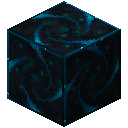
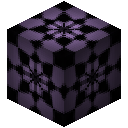
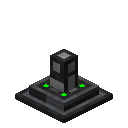
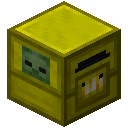
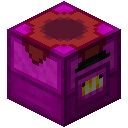
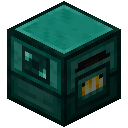
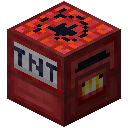
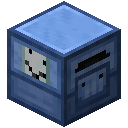
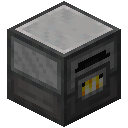
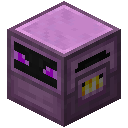
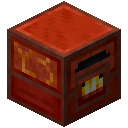
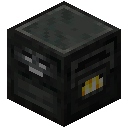
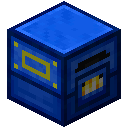
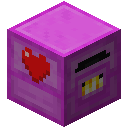
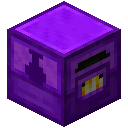
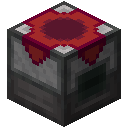
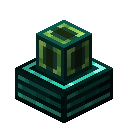
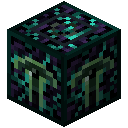
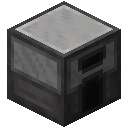
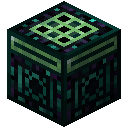
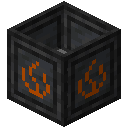
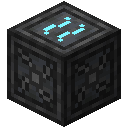
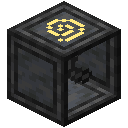
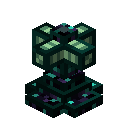
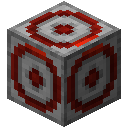
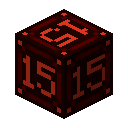
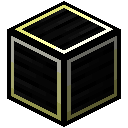
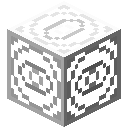
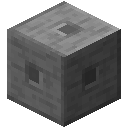
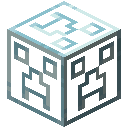
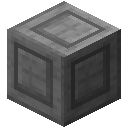
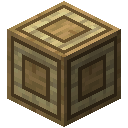
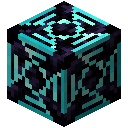
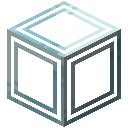
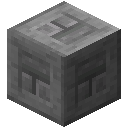
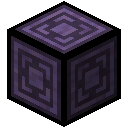
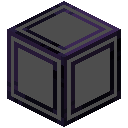
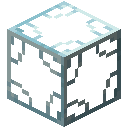
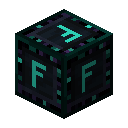
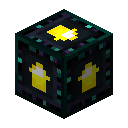
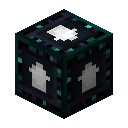
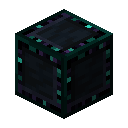
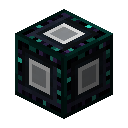
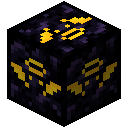
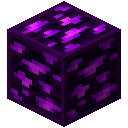
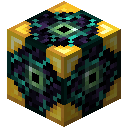
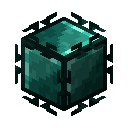
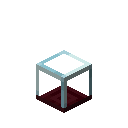
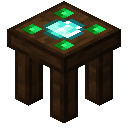
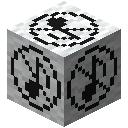
The Ender Porcupine allows for wireless connection to other blocks, and allows for transfer of items, fluids, and energy to them.
In the menu, you can set a maximum and minimum offset for the block to connect to. The block will slowly iterate over that volume, and the Ender Porcupine's capabilities will mimic that of the block it's currently connected to.
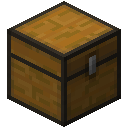
For example, place the Porcupine 3 blocks above a 5x1 line of Chests. Set the maximum offset to (0, -3, -2) and the minimum offset to (0, -3, 2). Items inserted into the Porcupine via a Hopper etc will be inserted into the Chests, one at a time, as the Porcupine changes which one it's connected to.
While looking at the Porcupine, or while holding a Pipe Wrench or Porcupine in your hand, you'll be able to see the work area and currently connected block.