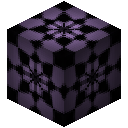
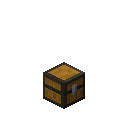
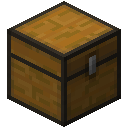
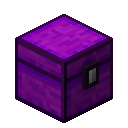
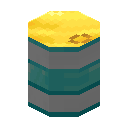
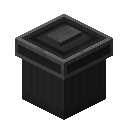
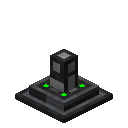
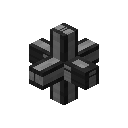
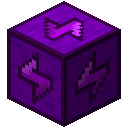
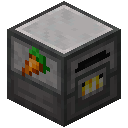
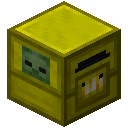
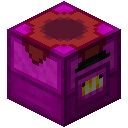
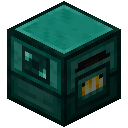
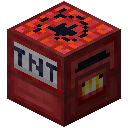
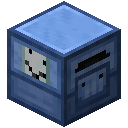
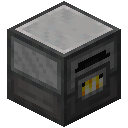
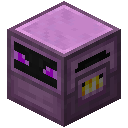
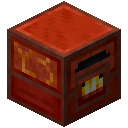
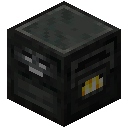
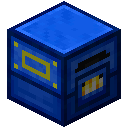
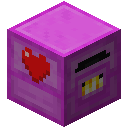
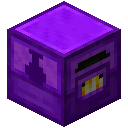
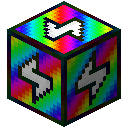
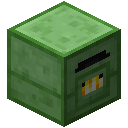
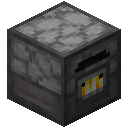
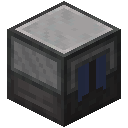
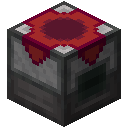
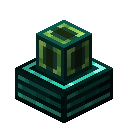
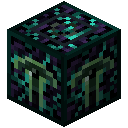
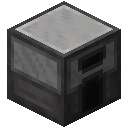
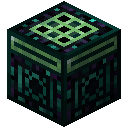
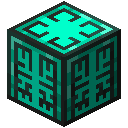
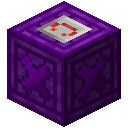
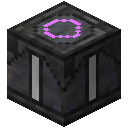
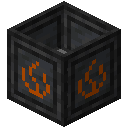
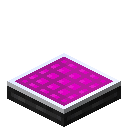
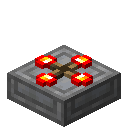
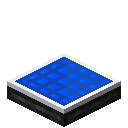
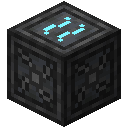
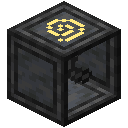
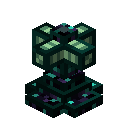
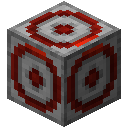
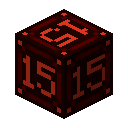
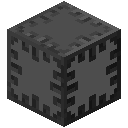
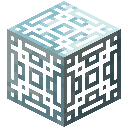
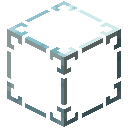
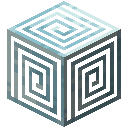
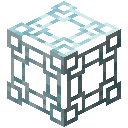
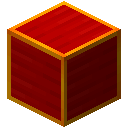
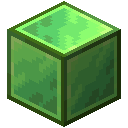
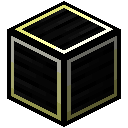
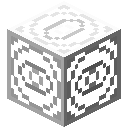
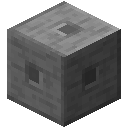
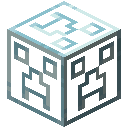
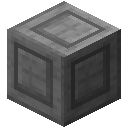
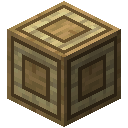
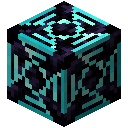
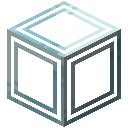
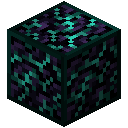
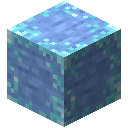
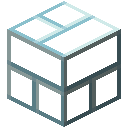
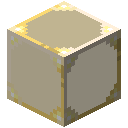
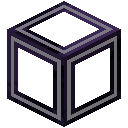
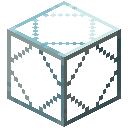
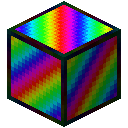
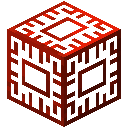
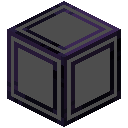
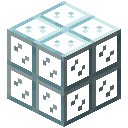
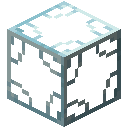
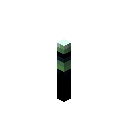
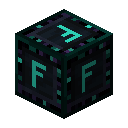
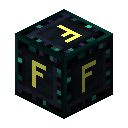
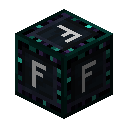
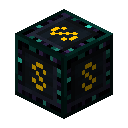
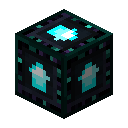
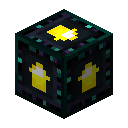
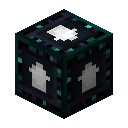
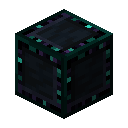
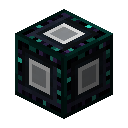
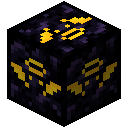
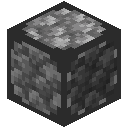
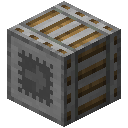
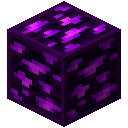
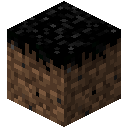
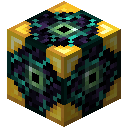
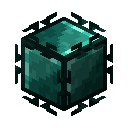
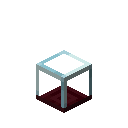
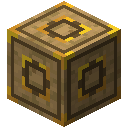
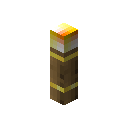
Transfer Nodes are used to move items, fluids, and energy from one place to another. Place the Transfer Node on the block you want to pull from, and then place a line of Transfer Pipes leading to the destinations.
Transfer Nodes do not work like other pipes. Items etc do not ever actually travel through Transfer Pipes at all. Instead, Transfer Nodes work in several stages:
- Pull from the block it's placed on, storing the items/fluids/energy in an internal buffer.
- Search along the connected Transfer Pipes for any valid destination. This is called the Ping.
- If there's nothing in the buffer, reset the ping and wait for the next tick.
- Try to empty the buffer into blocks around the Ping.
- If nothing was moved, move the Ping and wait for next tick.
- If something was moved, keep the Ping where it was and wait for next tick. This allows the Transfer Node to continually fill the same destination, instead of starting over every time.
Upgrades
An Item Filter or Fluid Filter can be installed into the respective Transfer Nodes to limit what is allowed to enter their buffers.
Speed Upgrades will increase the amount of times Transfer Nodes do work each tick.
Stack Upgrades increase the amount inserted into the buffer.
World Interaction Upgrades can be installed in Item and Fluid Nodes Transfer Nodes to allow them to do certain things.
Recipes
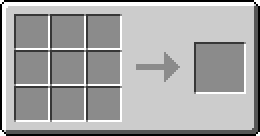
| Recipe Type | Ingredients | Outputs | Recipe preview |
|---|---|---|---|
Recipe Type Shaped Crafting | Ingredients | Outputs | Recipe preview |
Expand | |||


| Recipe Type | Ingredients | Outputs | Recipe preview |
|---|---|---|---|
Recipe Type Shaped Crafting | Ingredients | Outputs | Recipe preview |
Expand | |||

| Recipe Type | Ingredients | Outputs | Recipe preview |
|---|---|---|---|
Recipe Type Shaped Crafting | Ingredients | Outputs | Recipe preview |
Expand | |||