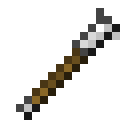
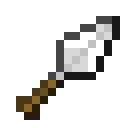
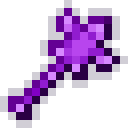
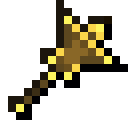
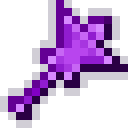
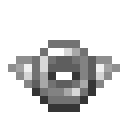
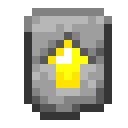
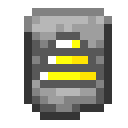
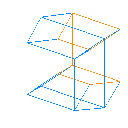
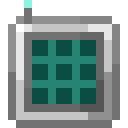
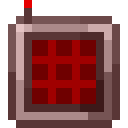
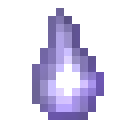
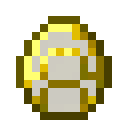
Flat Transfer Nodes come in two variants: one for items and one for fluids. They function similarly to regular Transfer Nodes, but transfer between adjacent blocks.
Right-click the Flat Transfer Node on a block to place it. Items/Fluids will be transferred out of the block you placed it on and into the adjacent block in the direction the Node is facing.
Right-clicking a placed Flat Transfer Node (or rather, clicking the block and face it's on) with an item that has the item tag #excessive_utilities:interact_with_flat_transfer_nodes will open its GUI, where you can insert an Item Filter or a Fluid Filter. Left-clicking instead will pop the Transfer Node off the block.
The Transfer Node will also be dropped if the block it's attached to is broken.
Configuration
That item tag contains the following by default:
#c:tools/wrenchexcessive_utilities:pipe_wrench,excessive_utilities:flat_transfer_node_itemsexcessive_utilities:flat_transfer_node_fluids
Recipes
| 合成配方類型 | 材料 | 成品 | 合成配方預覽 |
|---|---|---|---|
合成配方類型 Shaped Crafting | 材料 | 成品 | 合成配方預覽 |
Expand | |||


| 合成配方類型 | 材料 | 成品 | 合成配方預覽 |
|---|---|---|---|
合成配方類型 Shaped Crafting | 材料 | 成品 | 合成配方預覽 |
Expand | |||