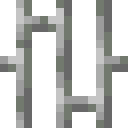
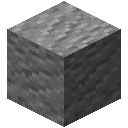
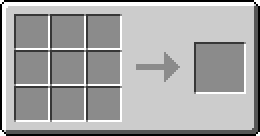
The Inventory Rerouter exposes the sides of an adjacent inventory from a more convenient location.
Place it so that its green face points toward the target inventory. Each of the other five faces can independently access any side of that inventory.
Right-click one of the exposed faces to cycle which side of the inventory it accesses. The colored overlay shows the selected side.
This is useful when a machine needs to interact with a specific face of an inventory that would otherwise be inaccessible.
For example, place it so the block is facing the back of a Furnace. Cycle the side of the Rerouter until it displays a U, for "Up". Any items inserted into that face will actually be inserted into the top face of the Furnace.