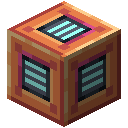
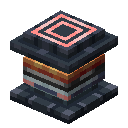
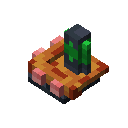
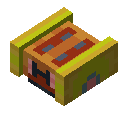
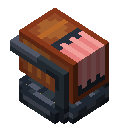
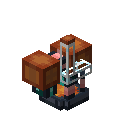
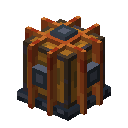
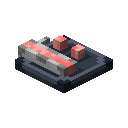
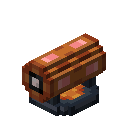
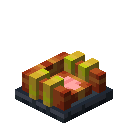
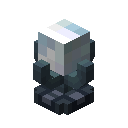
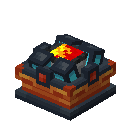
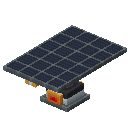
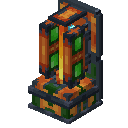
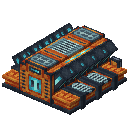
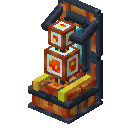
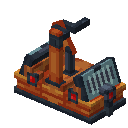
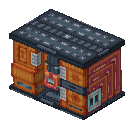
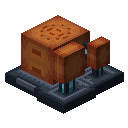
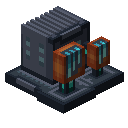
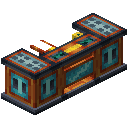
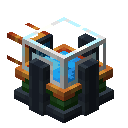
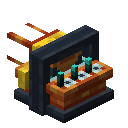
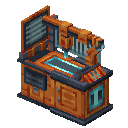
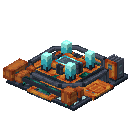
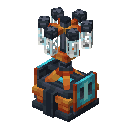
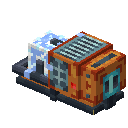
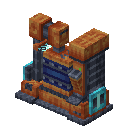
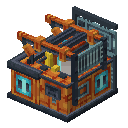
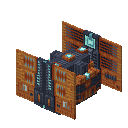
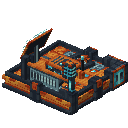
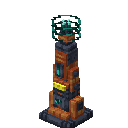
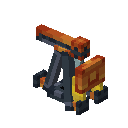
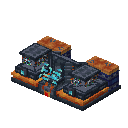
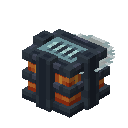
The Cybernetic Augmentation Center is the main facility for researching and installing permanent upgrades to your body. These augmentations provide various benefits, ranging from passive stat boosts to entirely new abilities.
Warning
Congratulations! If from the moment you understood the weakness of your flesh, it disgusted you, then you are our ideal customer. You crave the strength and certainty of steel, and Oritech Inc is happy to oblige.
Please remember that once you aspire to the purity of the blessed machine, there is no going back. All augmentations are permanent, and may cause an inexplicable urge to refer to your former peers as "crude biomass."
To begin, walk into the assembled Cybernetic Augmentation Center. This opens the research interface, where you can browse and start projects. Each augmentation requires specific energy and resources, drawn from either your personal inventory or the machine's internal storage (accessible via the interface).
Many high-tier upgrades require earlier research, as shown in the tech tree.
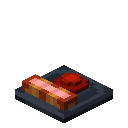
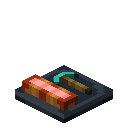
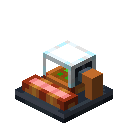
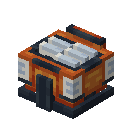
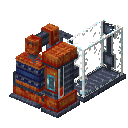
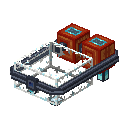
The center acts as a hub for Research Stations, constructed as multiblock add-ons. The main unit supports up to three stations, allowing for parallel processing.
- Each station requires 3 Machine Cores.
- A station handles one active research task at a time.

Application and Control
Once a research is complete, the augmentation becomes available for installation. The procedure requires a one-time resource cost to permanently fuse the technology with your player.
If you have augmentations installed, you can load them into the machine using the Import function (bottom-left UI button).
Augmentation Management: Your enhancements are meant to be permanent: they require no maintenance or ongoing energy cost. However, should an ability prove distracting (like Ore Vision or Hyper Speed), it can be toggled at will.
- Toggle Menu: Hold the augmentation hotkey ([G] by default) to open the radial interface. Hover over the desired augment and release to switch its state.
- Removal: While augmentations are intended to be permanent, they can be removed if necessary. Note that resources invested in the installation are non-refundable.

Information for Modpack Developers
Oritech augmentations are fully data-driven and configurable, allowing extensive customization through datapacks.
- Modifier Augments: Alter entity attributes (e.g., speed, reach, health).
- Effect Augments: Apply status effects similar to potions.
- Custom Augments: Implement unique logic (e.g., Ore Vision). These can be referenced in datapacks but require a Java mod for the underlying logic.
Existing augments can be modified or disabled, and completely new ones can be defined via JSON.
- Example Definition: Attack Damage Augment (GitHub)
- Texture Location:
oritech/textures/gui/augment
Remember to include translation entries for any custom additions.