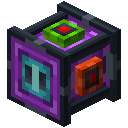
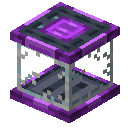
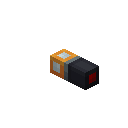
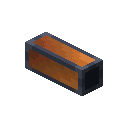
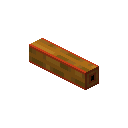
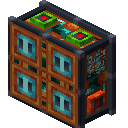
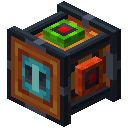
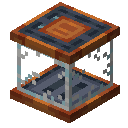
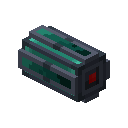
Oritech includes item pipes and item filter blocks for item logistics. Item pipes connect to each other and to neighboring inventories.
Unlike other pipes, item pipes do not have an inventory. This means that other blocks, such as hoppers, cannot insert items into the pipe network on their own. Instead, an item pipe can be set to extract from a nearby inventory.
Variants
- Standard: Basic pipe
- Framed: Full-block version
- Transparent: Shows items moving inside. Only works if the entire pipe path is from transparent pipes.
- Duct: Alternative aesthetic style. Ducted variants do not connect to machines directly, only to other pipes.
To toggle extraction mode, right-click the section of the pipe connected to the block you want to extract from. Extraction will only be enabled if the pipe is connected to a block that supports extraction. Each pipe connection can be toggled independently. Use a pipe-wrench to disable connections in specific directions.
Extracted items are placed into the closest available inventory further down the network, based on world distance.
Warning
Pipes will always extract from the first non-empty slot in an inventory. If the item cannot be placed into an inventory within the pipe network, it will block the pipe from extracting from that inventory.
You can install a motor in the pipe (by right-clicking it) to upgrade the extracting pipe to extract from all slots. This is not the default behaviour for performance reasons.

The default transfer rate is 8 items every 5 ticks.