
To create a new AzureLib project, you have two ways of doing this:
From the new tab
-
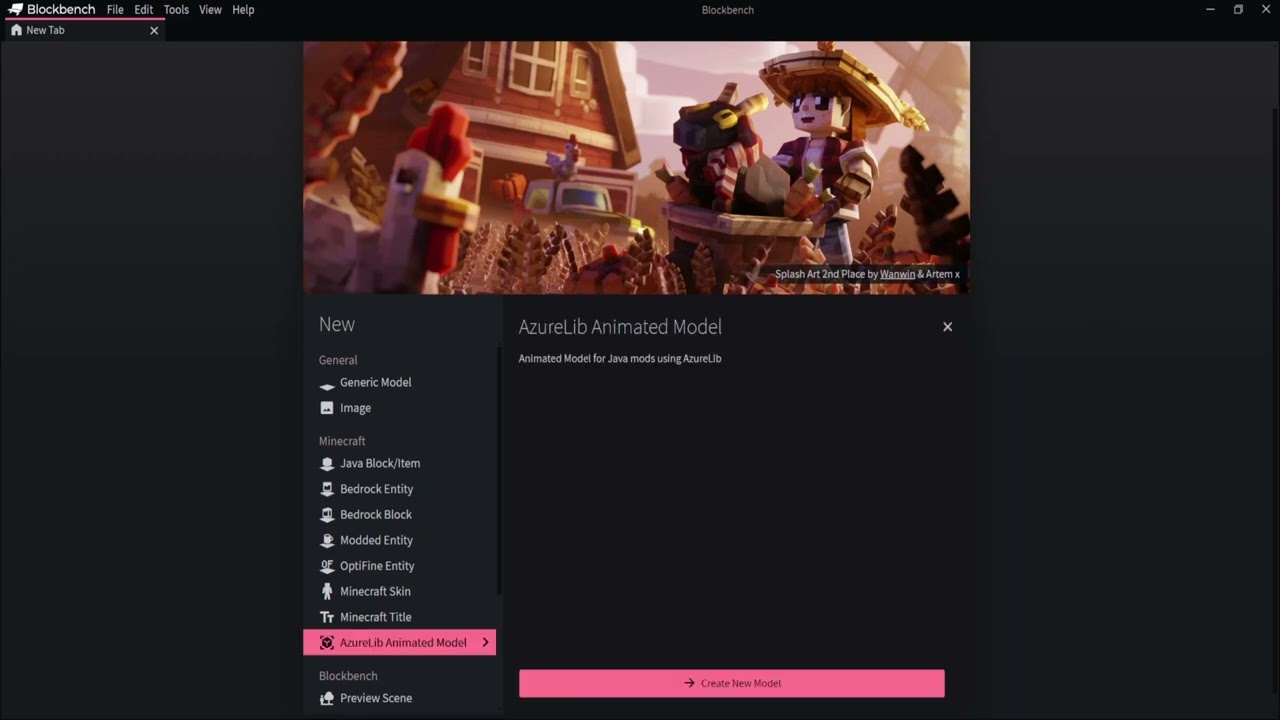
Start Blockbench and look under the Model types on your
Newsection. -
Click
AzureLib Animated Modeland clickCreate New Model -
Now fill in the details you want and press
Confirm.
Video Guide
From the File menu
-
Start Blockbench and open the
Filemenu in the top left corner. -
Now press
New->AzureLib Animated Model. -
Now fill in the details you want and press
Confirm.
Video Guide
Converting an existing project to Azurelib
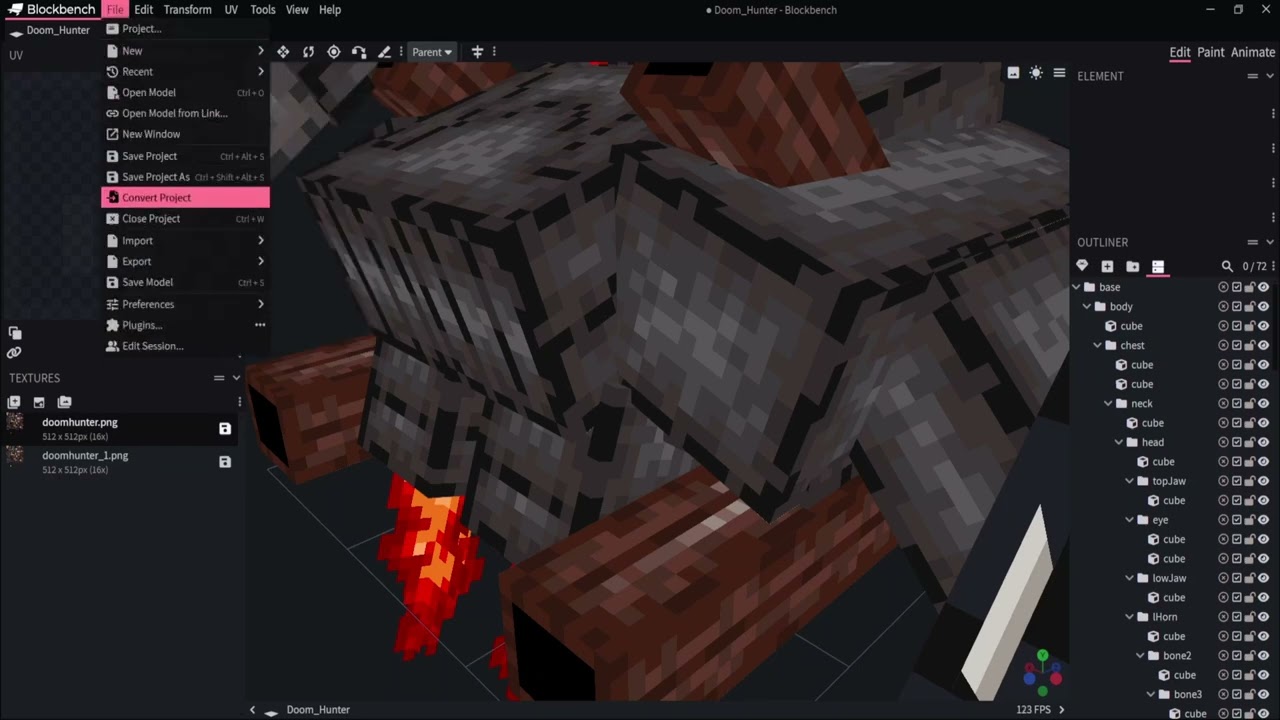
- Open the Project you wish to convert and open the
Filemenu in the top left corner and pressConvert Project.
-
From the window that appears, click the dropdown for
Formatand chooseAzureLib Animated Model -
Now click
Confirm