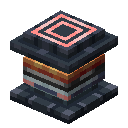
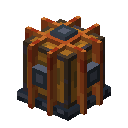
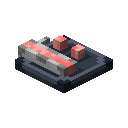
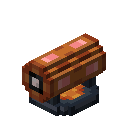
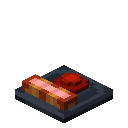
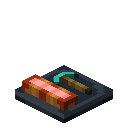
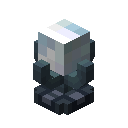
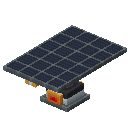
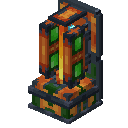
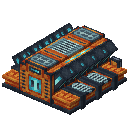
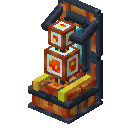
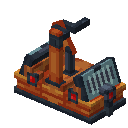
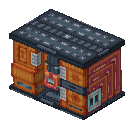
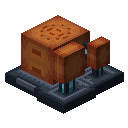
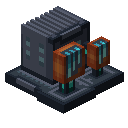
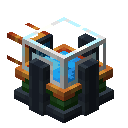
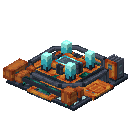
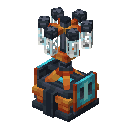
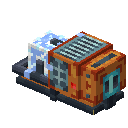
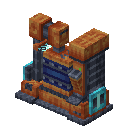
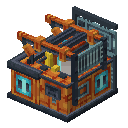
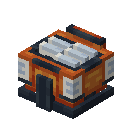
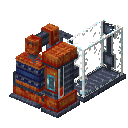
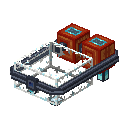
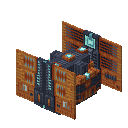
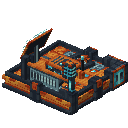
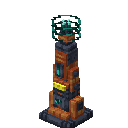
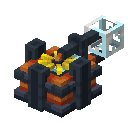
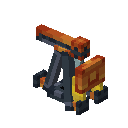
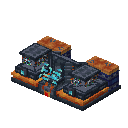
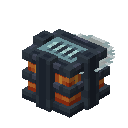
The enderic laser uses large amounts of energy to fire a high-power beam in a specific direction. It is primarily used for rapid long-range mining or as an long-range power transmission system.

Control and Targeting
To set the target direction, use a target designator on the laser block. The laser has a maximum range of 128 blocks and will continue firing until obstructed or disabled by a redstone signal. Note that you're only setting a target direction, not target block. It will try to destroy all blocks in that direction.
When mining, the laser automatically collects drops into its internal inventory.
Figyelmeztetés
Items that do not fit into the internal inventory will be destroyed. Ensure you use item pipes to extract resources continuously. Be careful: the laser will destroy almost anything in its path, though it passes through glass.
Advanced Interactions
- Energy Transfer: When aimed at machines or power storage, the laser will charge them, ignoring normal input limits. This is required for the Atomic Forge and Bedrock Extractor.
- Fluxite Harvesting: Directing the laser at amethyst clusters will transform them into fluxite when mined.
- Growth Acceleration: Aiming at a Budding Amethyst will massively accelerate its growth rate without destroying it.
- Combat: Equipped with a hunter addon, the laser will actively track and attack entities. Addons like speed apply to combat as well.
- Exo-Armor Charging: The laser can wirelessly charge a player's Exo Chestplate if the player is targeted (only with a hunter addon installed).
Addons & Upgrades
The laser has a single addon slot at the bottom, which significantly alters its behavior for large-scale operations.
- Quarry Addon: Converts the laser into a mass-excavation tool. It increases the beam's width, allowing it to clear large tunnels or areas efficiently rather than just a single line.
- Yield Addon: Acts like Fortune, increasing the resource drops from mined blocks.
- Speed Addon: Increases the mining speed (or amount of energy transferred) at the cost of higher energy consumption.
- Efficiency Addon: Decreases the energy consumption when mining or accelerating blocks.
- Hunter Addon: Switches the laser to combat mode. You can cycle targeting modes (Monsters, Animals, Traders) by using the Target Designator on the laser block.