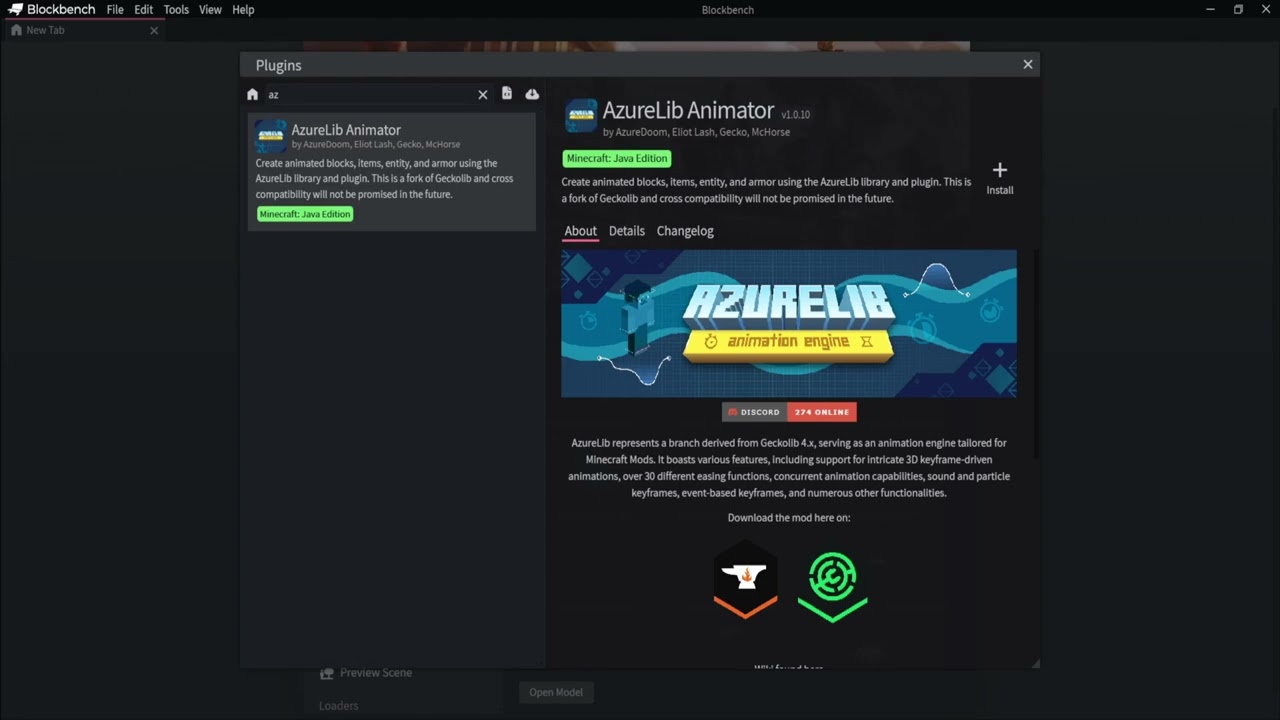
To install the AzureLIb Blockbench Plugin, follow these steps:
-
Start Blockbench and open the
Filemenu in the top left corner. -
Select
Plugins...to open the built-in plugin browser. -
Make sure you are in the
Availabletab, then search for the plugin:AzureLib Animator. -
Once you have found it, press the
Installbutton on the right-hand side. -
You are now done! You will now see the AzureLib Animated Model format in your Minecraft formats for projects.